
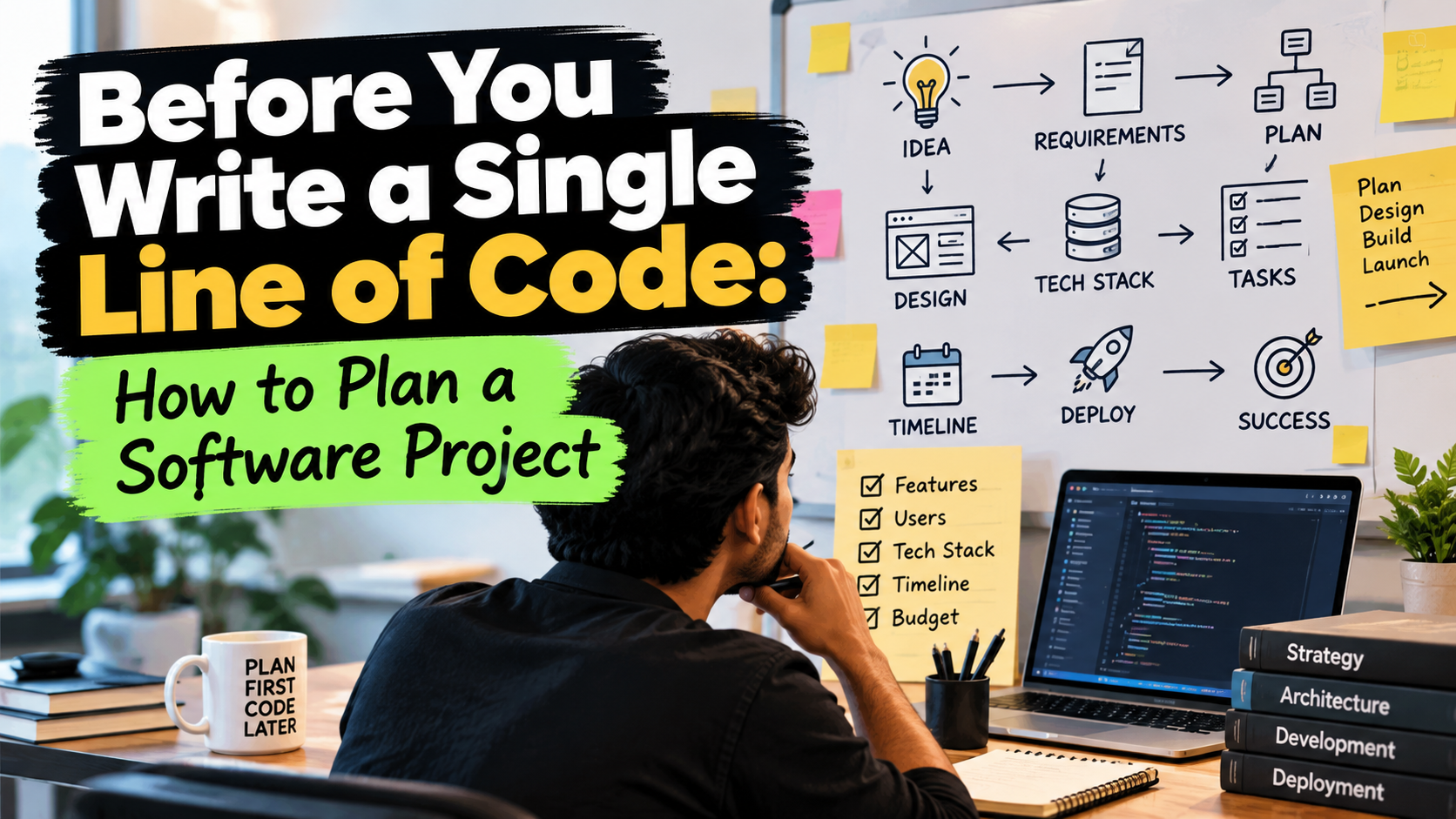
Most software projects that go wrong don't go wrong because of bad code. They go wrong much earlier, in the first week, when everyone was excited and nobody wrote anything down.
The idea sounds clear in your head. "An app for my business." "A platform like X, but for Y." Then development starts, and suddenly there are fifty small decisions nobody thought about, the budget is half gone, and the launch date has quietly moved three times.
A bit of planning fixes most of this. Not a 60-page document. Just clear answers to a few simple questions before anyone opens a code editor.
Here's how I'd go about it.
1. Start with the problem, not the app
"I want an app" is not a starting point. "My staff waste two hours a day copying orders from WhatsApp into Excel" is.
Before anything else, write down one or two sentences:
- What problem are we solving?
- Who has this problem?
- What are they doing today instead?
If you can't answer these clearly, you're not ready to build. And sometimes the honest answer is that you don't need custom software at all. A Google Sheet or an existing tool might do the job for a fraction of the cost. Better to find that out now.
2. Know exactly who will use it
"Everyone" is not a user.
A delivery boy using the app on a cheap Android phone in bright sunlight needs something very different from a manager sitting at a desktop. List the types of people who will use the system and what each of them needs to get done. Usually it's just three or four roles: customer, staff, admin, maybe a vendor.
This one list will shape almost every decision that comes after.
3. Write down every feature, then cut most of them
First, dump everything. Every feature you've imagined, every "it would be nice if". Get it all out on paper.
Then sort it into three buckets:
- Must have - without this, the product is useless
- Should have - important, but launch can happen without it
- Later - good ideas for version 2
Be ruthless. The must-have list is your first version, your MVP. Most people put 80% of their ideas in must-have. In reality it's closer to 20%.
A small product that works is worth more than a big one that's half finished. You can always add. Removing is painful.
4. Walk through it like a user
Before any design, write the journey in plain language:
The customer opens the app. They see today's offers. They add two items to the cart. They pay. The shop gets a notification. The shop marks it as packed...
Do this for each type of user. It feels too simple to be useful, but this is where the hidden questions show up. What if payment fails? Can an order be cancelled? Who gets notified? Every question you catch here is one that costs nothing to fix. The same question found in month three costs real money.
5. Sketch before you build
Rough wireframes come next. Pen and paper is fine. Figma is fine. Boxes and arrows are fine.
The point isn't beauty. The point is that everyone is looking at the same thing. Words are slippery. Two people can read "a simple dashboard" and imagine two completely different screens. A sketch ends that confusion in five minutes.
Changing a drawing takes a minute. Changing a finished screen takes days.
6. Pick the tech for boring reasons
If you're not technical, you don't need to choose the stack yourself. But you should ask your developer a few things:
- Why this technology for this project?
- Is it easy to find other developers who know it?
- What will hosting cost per month once it's live?
- Will this still handle things if users grow 10 times?
The right answer is rarely the newest, trendiest tool. It's usually the proven, slightly boring one that plenty of people know how to maintain. And don't build for a million users on day one. Build for your first thousand, in a way that can grow.
7. Be honest about time and money
Break the work into phases with clear milestones, each with something you can actually see and test. "Backend 60% done" tells you nothing. "You can log in and place an order" tells you everything.
A few things I'd always keep in mind:
- Add a buffer. Things take longer than planned. They just do. Keep 20 to 30 percent extra in both time and budget.
- Count the costs after launch. Hosting, domain, SMS and email charges, payment gateway fees, app store accounts, maintenance. Software is never a one-time expense.
- Remember the triangle. Fast, cheap, good. You get to pick two.
8. Decide how you'll work together
This part gets skipped the most, and causes the most fights.
Agree on these before starting:
- Who gives the final approval? One person, not a committee.
- How often will there be updates? A weekly demo works well.
- Where does communication happen? One place, not scattered across calls, WhatsApp and email.
- What happens when a new feature is requested halfway through?
That last one matters a lot. New ideas will come up during the build, that's natural. But every addition affects the timeline and the cost. Have a simple rule: new requests get written down, estimated, and then either swapped with something else or moved to the next phase. This one habit saves more projects than any technology choice.
9. Put it in writing
Everything above should fit in a short document, a few pages at most:
- The problem and the goal
- Who the users are
- The feature list for version 1, and what is explicitly not included
- The user flows and wireframes
- Timeline, milestones and payment terms
- Who owns the code, the domain, and the accounts
The "not included" list is just as important as the feature list. Most disputes come from things one side assumed and the other never promised.
It doesn't have to be a legal masterpiece. It just has to exist, and both sides should have read it.
10. Plan the launch and what comes after
Launch is not the finish line. It's the start.
Think about these early:
- Who will test it before real users see it?
- How will the first users get onboarded? Does old data need to be moved in?
- Who fixes bugs after launch, and for how long?
- How will you collect feedback and decide what to build next?
The first real users will surprise you. They'll ignore the feature you loved and ask for something you never thought of. Keep some time and budget for that, because that's when the product actually becomes good.
A quick checklist
Before development starts, you should be able to say yes to all of these:
- I can explain the problem in two sentences
- I know who the users are and what each one needs
- I have a version 1 feature list, and a "later" list
- I have rough sketches of the main screens
- I know the timeline, the milestones and the total cost, including running costs
- One person is responsible for decisions
- It's all written down
Final thoughts
Planning feels slow when you're excited to start. I get it. But a week spent planning can easily save two months of rework.
The goal isn't a perfect plan. Plans change, and that's fine. The goal is that everyone involved has the same picture in their head before the money and the hours start going in.
If you have an idea and you're not sure where to begin, reach out. Happy to help you think it through, even if it's just to figure out the first step.
Written by Vaheeb